Aurora Bench reads every message in a client's custody record and surfaces the pattern of control — turned into a clear, cited brief you can put in the file. It installs on your own machine, and the record never leaves it.
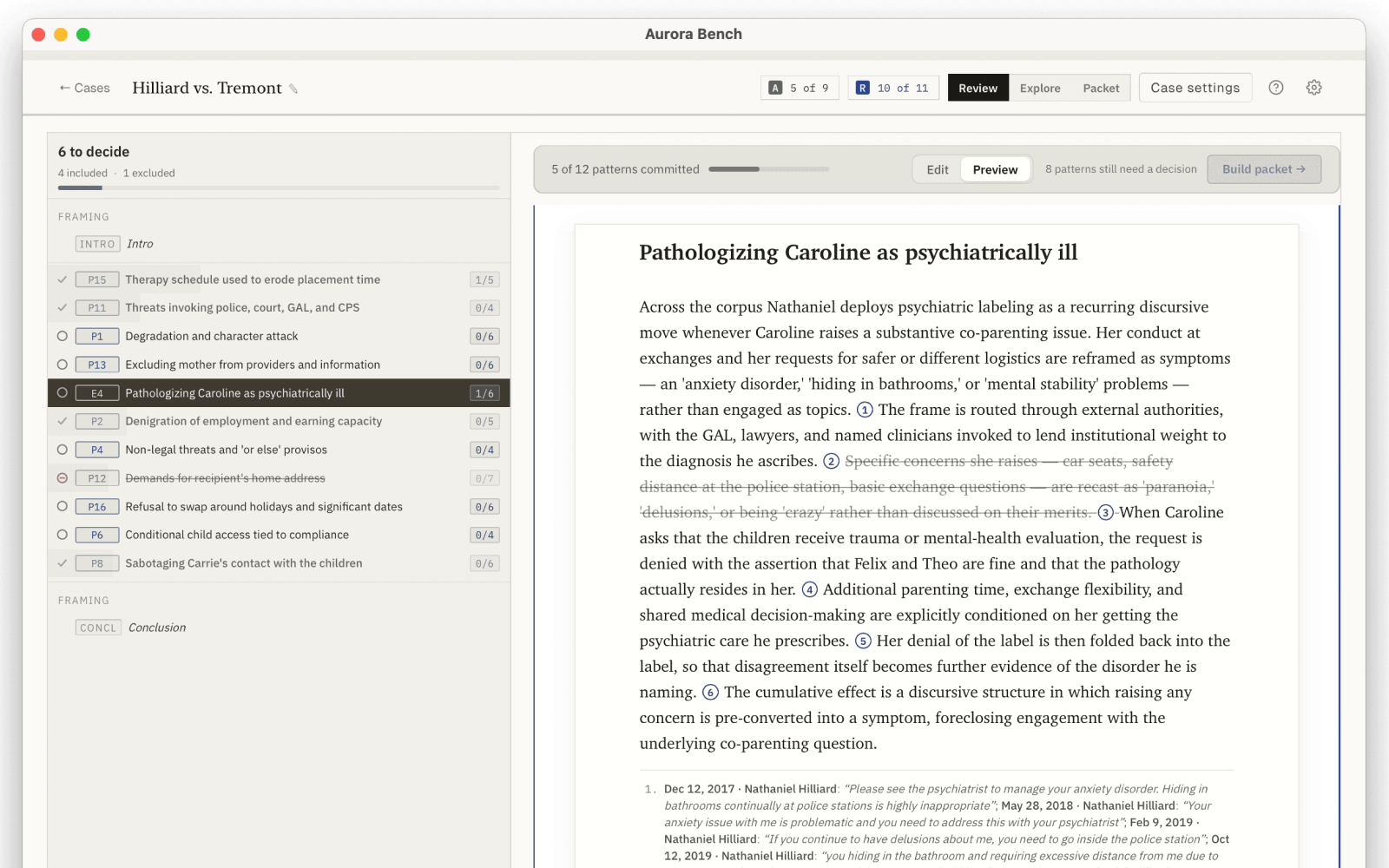
Years of correspondence, read in full. Aurora surfaces the coercive-control patterns that take weeks to find by hand — then shows you each one back to the message it came from, so you can check the work before you put your name on it.
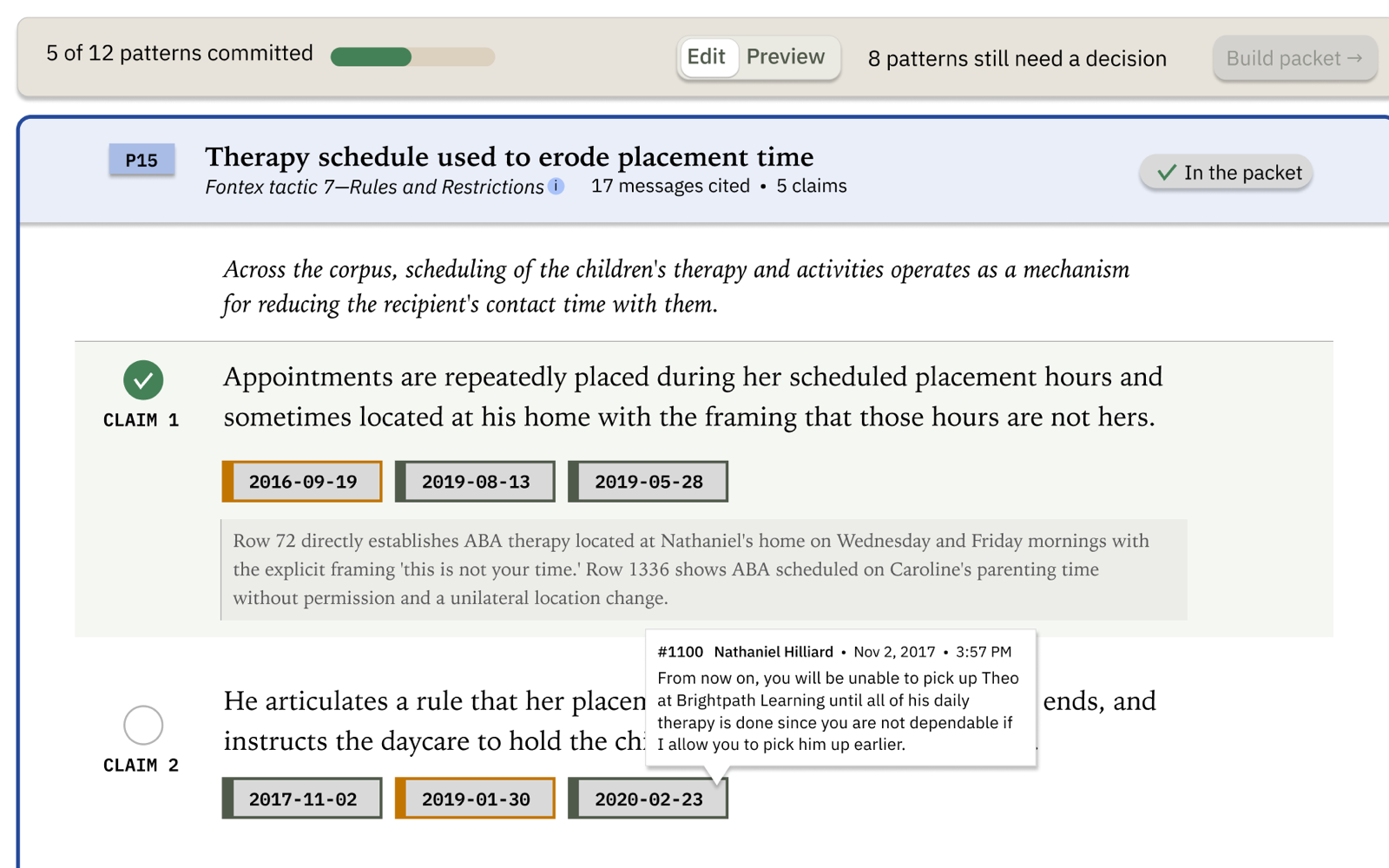
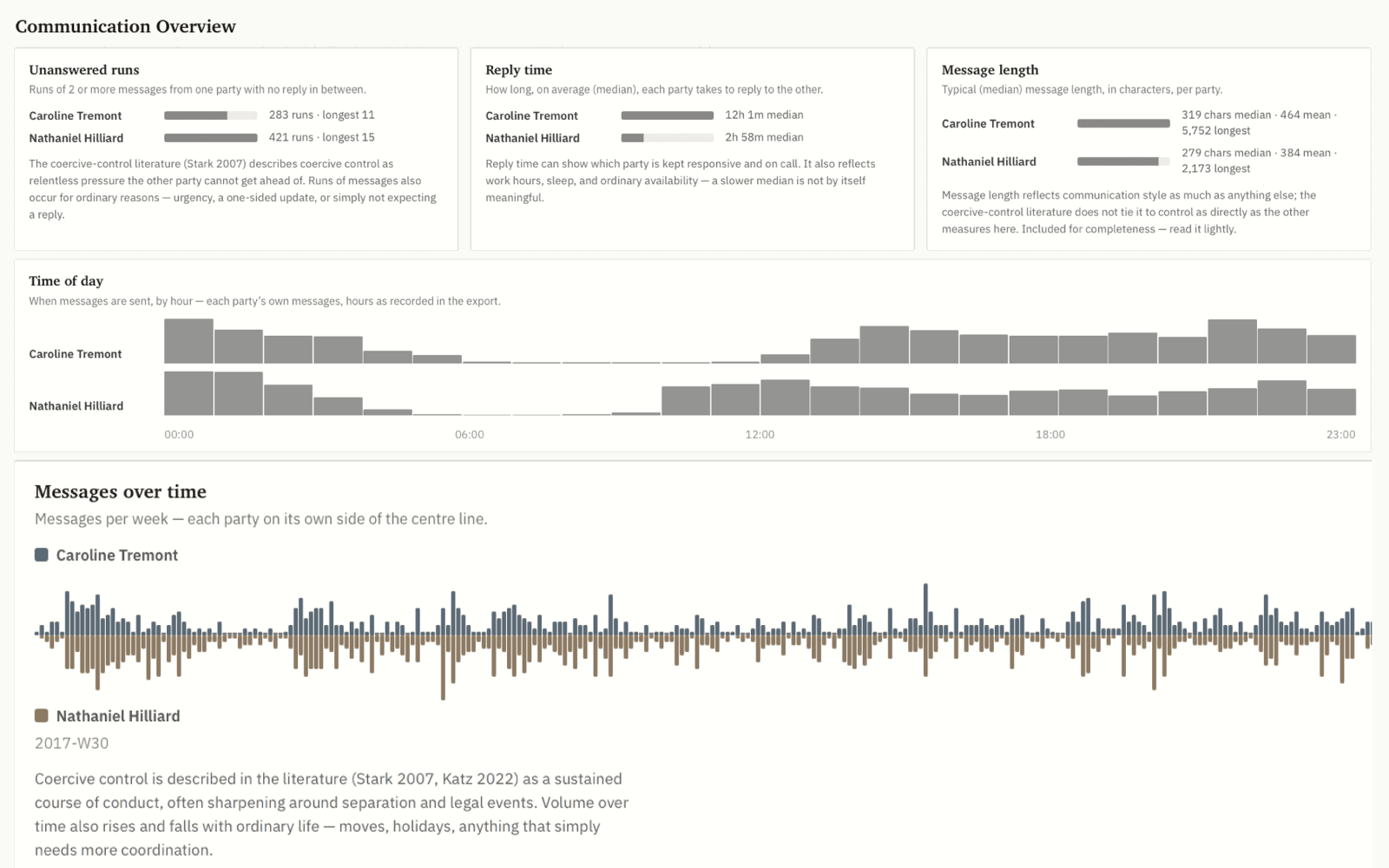
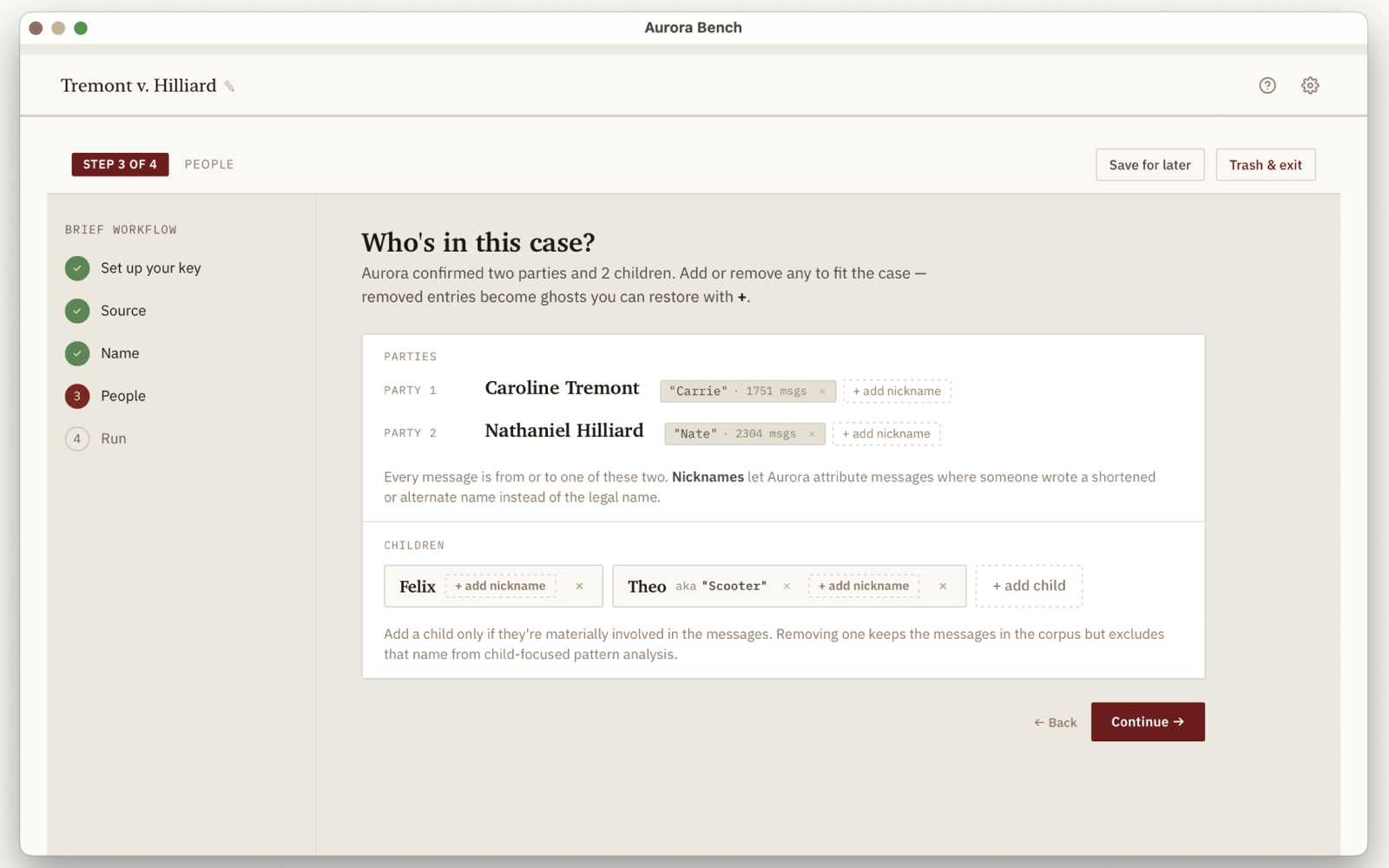
Aurora reads exports from OFW, Civil Communicator, 2houses, TalkingParents, and AppClose entirely on your machine. Nothing is uploaded to us. No copy of your record lives on our servers.
You set up an AI account once and pay the AI provider directly — we're never in the billing path, and there's no Aurora subscription stacked on top.
The cited brief opens inside a review notebook for active case prep — annotate patterns, gather citations, draft motions and filings without leaving the workspace. Aurora Cloud delivers the brief alone; Aurora Bench wraps it in the workflow around it.
Don't have an attorney? Aurora Cloud is for you →
Both run the same engine, the same pattern catalog, the same citation discipline. What changes is where it runs, who pays the model, and how much workflow lives around the output.
Same analysis. The patterns Aurora finds, the second-pass verification, and the citation discipline that grounds every claim in the source messages are identical across both products. The difference is the workspace, not the work.
Bench setup starts with a short call — we get you installed and walk through what it costs. If now isn't the time, leave your details and we'll reach out to find one. A little about your practice helps the conversation start in the right place.
Aurora Cloud is open to professionals too. If you'd rather not install software or set up an AI account, start a case and run it in your browser.